
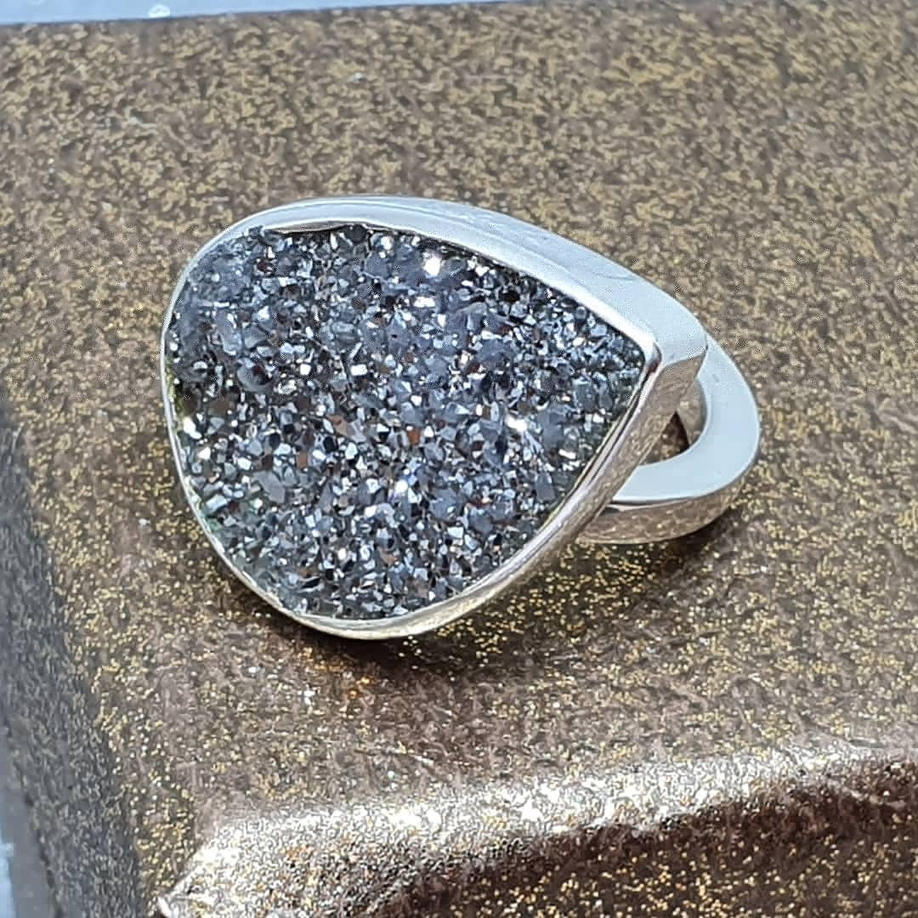
How to use a jewelry calculator: what it is for
The Sanda jewelry calculator is designed to support practical jewelry work by helping with measurements, material estimates and template-based layouts for selected forms and components.
A jewelry calculator is not meant to replace experience, measuring tools or bench judgment. It is meant to support the way you already work: enter clean values, review the result, and use it as a reliable starting point before cutting, forming, soldering or printing.
The most important rule is simple: measure carefully first, calculate second, and verify before production.
How to use a jewelry calculator in 5 essential steps
Open the Sanda jewelry calculator, choose the tool you need, and enter your measurements carefully. The more accurate your input is, the more useful the output becomes.
- Open the jewelry calculator.
- Select the tool, form or template you want to use.
- Enter your measurements in the correct fields.
- Review the calculated result before using it in production.
- Double-check important dimensions manually with a caliper or ruler.
These five steps apply whether you are sizing a ring, planning a bezel setting, checking a template or estimating how much silver sheet you need for a project.
A cleaner workflow for jewelry making
Knowing how to use a jewelry calculator effectively starts with good measurement habits. Start with the dimension that matters most. For rings, that may be size, inner diameter or circumference. For settings, it is usually the actual measured stone, not the size written on a package.
- Measure the real object whenever possible.
- Keep all measurements consistent — do not mix millimeters and inches.
- Check units before calculating.
- Use results as guidance, not absolute truth.
- Always verify before cutting, soldering or committing material.
A good jewelry calculator should reduce friction. It should help you think clearly, avoid repeated manual calculations and make your bench workflow more consistent.
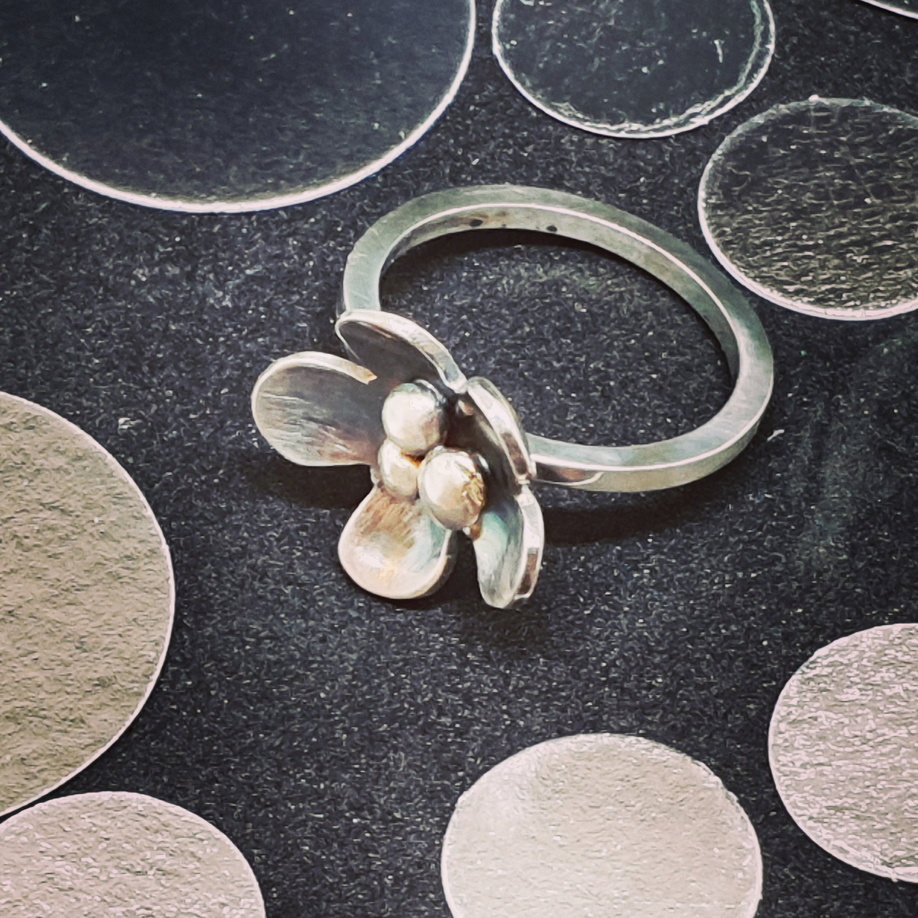
Using jewelry templates as working references
Templates can be useful when planning shapes, checking proportions or preparing printed references. They should be treated as working guides, not as a substitute for careful measuring and practical adjustment.
- Print templates at 100%.
- Disable “fit to page” or automatic scaling in your print dialog.
- Check the printed dimensions with a ruler or caliper.
- Adjust for paper, printer margins and real workshop conditions.
Printing and checking calculator accuracy
Printer settings can change the final size of a template. Before relying on a printed reference, make a quick test print and compare a known measurement against the printed result.
If the template is even slightly scaled, the result may be wrong. This is especially important for small jewelry components, where a tiny difference can matter significantly — particularly when working with silver, gold or customer pieces.
Common mistakes when using a jewelry calculator
Even experienced silversmiths and jewelers run into avoidable errors. Here are the most common mistakes to watch out for when using a jewelry calculator:
- Mixing units. Entering millimeters in one field and inches in another is one of the most frequent causes of wrong results.
- Using nominal stone sizes. A “4mm round” stone may measure slightly smaller or larger in reality. Always measure the actual stone.
- Skipping the test print. Printing templates without verifying scale can lead to cutting errors and wasted material.
- Treating the result as exact. Calculator outputs are excellent starting points, not guarantees.
- Not saving results. Write down or screenshot important calculations for repeat pieces and custom orders.
Useful jewelry making resources
A calculator is only one part of good jewelry work. To improve your craft, it helps to combine digital tools with solid bench technique, careful measuring and ongoing learning.
For practical jewelry making videos and bench demonstrations, At The Bench is a useful learning resource.
For articles, technical discussions and a broad archive of jewelry knowledge, Ganoksin is another strong resource for jewelers, metalsmiths and silversmiths.
Terms and limitations
You may use calculator outputs and templates in your own work. You may not copy, reproduce or reuse the application, interface or underlying logic as your own tool.
The calculator is provided as-is. Always verify important results before production, especially when working with valuable materials or final customer pieces.